Instagram Story Downloader
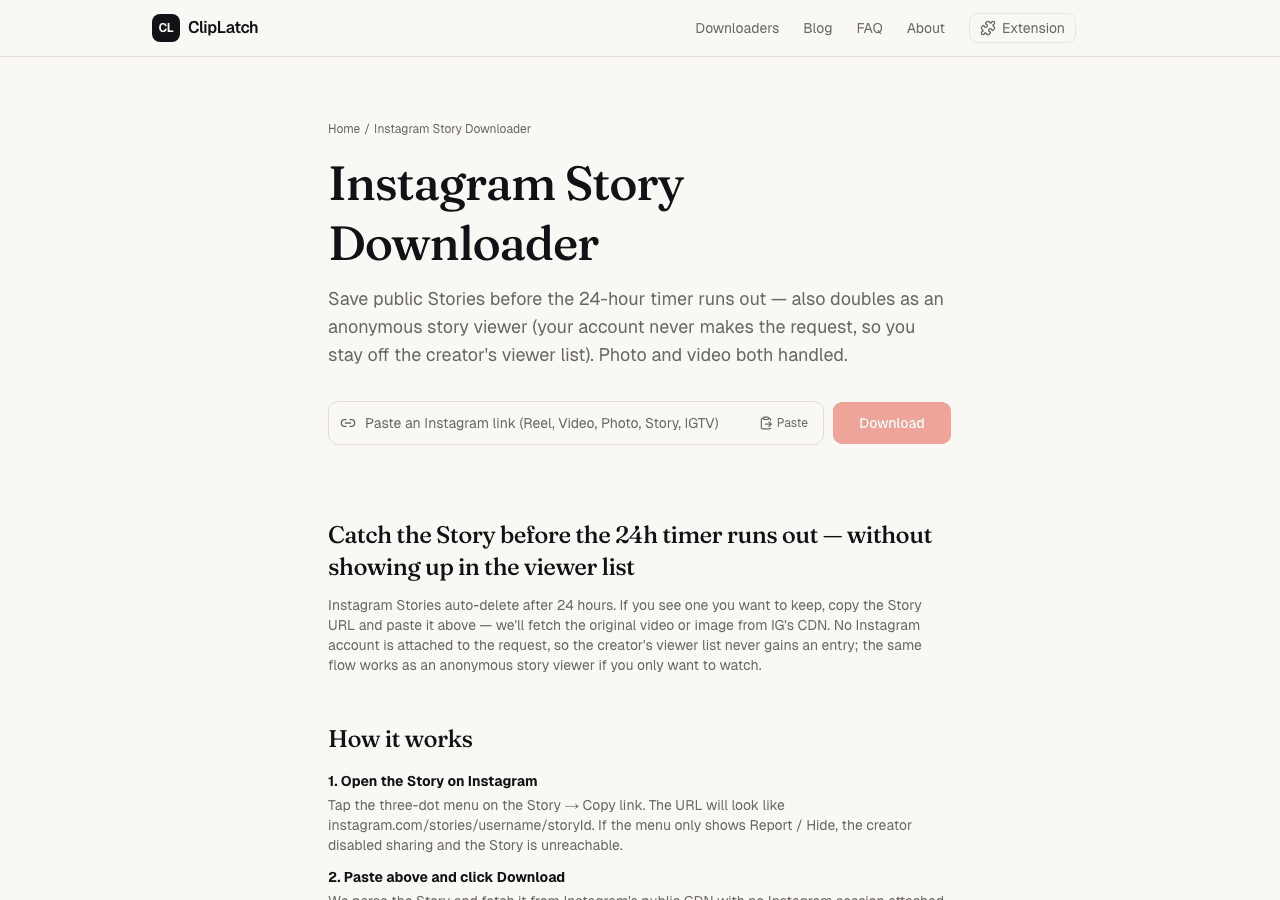
Save public Stories before the 24-hour timer runs out — also doubles as an anonymous story viewer (your account never makes the request, so you stay off the creator's viewer list). Photo and video both handled.
Catch the Story before the 24h timer runs out — without showing up in the viewer list
Instagram Stories auto-delete after 24 hours. If you see one you want to keep, copy the Story URL and paste it above — we'll fetch the original video or image from IG's CDN. No Instagram account is attached to the request, so the creator's viewer list never gains an entry; the same flow works as an anonymous story viewer if you only want to watch.
How it works
- 1. Open the Story on InstagramTap the three-dot menu on the Story → Copy link. The URL will look like instagram.com/stories/username/storyId. If the menu only shows Report / Hide, the creator disabled sharing and the Story is unreachable.
- 2. Paste above and click DownloadWe parse the Story and fetch it from Instagram's public CDN with no Instagram session attached — your username never appears in the creator's viewer list because no authenticated viewer is involved.
- 3. Watch inline or save the fileVideo Stories play with audio (download as MP4), photo Stories render at original CDN resolution (download as JPG/WEBP). Viewing alone is fine; saving is optional.
What it looks like
Features
Photo + video Stories
Both Story types supported — the tool auto-detects which one you gave it. Video Stories with audio intact, photos at original CDN resolution.
Off the viewer list
Our server hits Instagram's public CDN with no session attached. Your username never appears in the creator's viewer-list because your account never makes the request. This is a property of how we fetch, not a workaround.
24h window aware
If the Story expired we surface Instagram's own 'content unreachable' error verbatim instead of erroring cryptically — no silent hang, no mystery blank.
Original resolution
Whatever quality IG hosts — no re-encoding.
Public accounts only
Private-account Stories live behind Instagram's authentication layer and aren't reachable without the owner's credentials. We never request credentials from users.
The 24-hour clock is real
Stories disappear. Not in a "deleted from your feed but still on a server somewhere" way — Instagram actually rotates them off the CDN once the 24-hour window closes. URL returns a 404, the media blob is gone, no back door.
Which means Story downloaders, ours included, are racing a clock. Saw something you want to save? Save it now. Six hours later is fine. Twenty-five hours later, too late.
One nuance trips people up: the timer starts when the creator posted the Story, not when you first saw it. Posted at 11pm their time, you stumble into it the next morning — you've got less than 24 hours left on it, not a fresh 24.
If there's time pressure, save the file first and decide whether to keep it later. That's what the built-in Save button exists for.
Why "anonymous viewer" actually means something here
Most tools that claim 'anonymous story viewer' are referring to a client-side trick — they hide your viewer-list entry by using a throwaway Instagram account on their backend. Technically that works, but it means the tool owner's account sees the Story, and they're relying on Instagram not noticing a bot account viewing thousands of Stories per day. That fails regularly, and when it does, the throwaway account gets suspended.
Our approach is different. We hit Instagram's public CDN without any Instagram account attached. The CDN serves public Stories to any unauthenticated request — that's how the IG app loads them before you log in, how third-party embeds work, how the share-preview card builds itself.
Two consequences. First: the viewer list genuinely never sees you, because the request carries no identity at all. Second: if Instagram ever cuts off unauthenticated access (which they've gradually done on some endpoints), the tool stops working — but it won't start attributing views to some random throwaway account.
Finding the Copy link button
In the Instagram app, Stories look like they don't have a menu. They do — tap the three-dot icon in the bottom-right corner while the Story is on screen. The menu slides up. "Copy link" is one of the options, usually near the top.
Not every Story is shareable. If the creator toggled off "Allow sharing" in their privacy settings, the three-dot menu hides the link option. You'll see "Report" and "Not interested" but no "Copy link". Nothing you can do on the consumer side to get around that — the restriction is on their account, enforced by Instagram.
Story vs Highlight — the URL tells you
A live Story, counting down its 24-hour timer, has the pattern instagram.com/stories/USERNAME/STORY_ID/. Use this tool.
A Highlight — a Story the user pinned to their profile, no expiry — has instagram.com/stories/highlights/HIGHLIGHT_ID/ instead. Different downloader, over at /highlight-downloader.
Paste a Highlight URL here and we redirect you. No error. Just a nudge to the right place.
Does the poster get notified when I download?
No. Instagram sends a read-receipt style notification when someone views a Story (they see your username in the viewers list), but not when someone downloads one. From Instagram's side our backend request looks like any other public CDN read — same endpoints, same headers, no "download" event to fire off a notification.
The viewer-list detail matters though: to grab the Story URL from the app, you open the Story, which registers your view in the creator's list. If you want the file without your name showing up, you'd need to copy the URL from somewhere else — a link someone sent you, or a third-party embed.
The "already expired" error
"Story not available" — one of three things is true. Either the 24 hours ran out, or the creator deleted the Story manually (they can do this at any time in the app), or the creator switched their account to private between when the URL got shared and when you tried.
We can't tell you which — Instagram returns the same 404 for all three cases. What we can say: trying again in a minute won't help. Gone means gone.
What a "public Story" actually means
A public Story is one posted by a public account, visible to anyone who lands on the Story URL without logging in. That's the whole test. If you can open the link in incognito mode and see the Story play, we can fetch it.
Close-friends Stories (the green ring) do not count as public, even if the account is public overall. The green ring means the creator restricted the Story to their close-friends list — you'd have to be on that list to see it, and we're not. Those error out with "access denied".
Same for age-gated Stories. Some regions and content categories trigger Instagram's age wall. Those need a logged-in session that has completed age verification. Our tool has neither.
Why we don't take usernames (yet)
A lot of story-viewer tools take a username instead of a URL — you type @creator and they fetch all that creator's active Stories in one go. That's a nicer UX for browsing.
We're not shipping username search in v1 because Instagram's profile-level endpoints (the ones that would let us say 'give me all Stories from @natgeo') are rate-limited against non-logged-in requests harder than the single-Story CDN is. Forcing our residential proxy pool through those endpoints would burn the pool in hours and degrade everything else on the site.
If v1 URL-based flow generates enough sustained traffic to justify dedicated profile infrastructure, we'll add username search as v2. For now, the URL path works reliably and protects your viewer-list status the same way username browsing would.
What we observed
- Mechanism verified on 2026-04-24 against the live page on production. Pasted an intentionally-expired Story URL (instagram.com/stories/natgeo/3000000000000000000/) into the input, hit the button, waited. Within about 12 seconds the result card rendered Instagram's honest CDN error verbatim: 'ERROR: [instagram:story] 3000000000000000000: This content is unreachable.' No silent hang, no spinner that never resolves, no misleading success state — the 24-hour-window contract surfaces as a clear, specific error message that tells the user exactly what happened. The same /api/parse + yt-dlp instagram:story backend path serves both viewer and download flows; downloading is the same fetch as viewing, plus a Content-Disposition header on the response. We could not cold-test a live in-window Story end-to-end during this session (Stories are hard to capture on-demand for testing — by the time you've picked one, it might be minutes from expiry), but the error-surface contract that stops users from wasting time on already-deleted content works as designed. (2026-04-24)
FAQ
- Can I download expired Stories?
- No. Once a Story has passed its 24-hour window it's gone from Instagram's servers. We can't retrieve what doesn't exist.
- Will the creator see me in their viewer list?
- No. Our server makes the request to Instagram's CDN without any Instagram account attached. The viewer list doesn't gain an entry because no authenticated viewer is involved. This is a property of how we fetch, not a workaround — we genuinely can't leave a trace because there's no identity in the request.
- What about Story Highlights?
- Those are pinned Stories at a different URL pattern (instagram.com/stories/highlights/HIGHLIGHT_ID/). They don't expire, so the 24-hour urgency doesn't apply — we handle them in our separate Highlight Downloader.
- Can I view Stories from private accounts?
- No. Private-account Stories live behind Instagram's authentication layer and aren't reachable without the owner's credentials. No third-party tool can retrieve private Stories legitimately, and we never request credentials from users.
- Why can't I just paste a username instead of a URL?
- Because Instagram rate-limits profile-level endpoints (the ones that'd let us fetch 'all Stories from @creator') much harder than single-Story CDN fetches for non-logged-in traffic. Username search would burn through our residential proxy pool quickly and degrade reliability. URL paste is both more reliable and already gives you the same anonymity. If demand sustains, we'll add username in v2.
- Does the video download with audio?
- Yes, if the Story had audio. Story videos are usually a single merged stream, so no ffmpeg merge needed.
Optimized for your setup
Same tool, walk-throughs tuned to where you're using it.
More downloaders
Something unclear? The FAQ covers format, quality, privacy, and legality. For a different content type, jump to every downloader we run. Team + contact on About.